

Best Excel Tutorial
Excel Skills Simplified: Tutorials That Actually Work
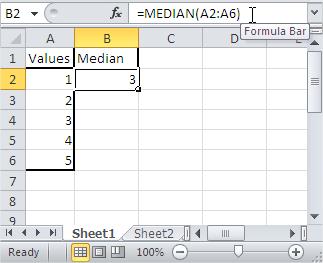
How to Calculate Median in Excel
You’ll learn how to use the median function. It can be used to calculate the median of given numbers in Excel.
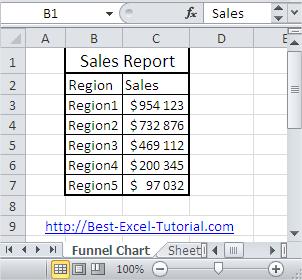
How to Make Funnel Chart
Here, in this Excel charting tutorial lesson, you will learn how to create a funnel chart in Excel.
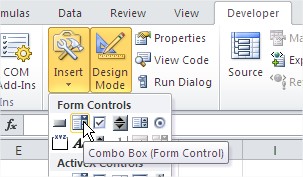
How to Create and Use Combo Box in Excel
In this Excel tutorial lesson, you will learn how to insert a combo box into your spreadsheet.
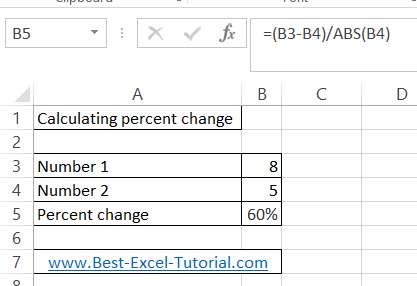
How to Calculate Percentage Change in Excel
Percentage change in Excel is used to determine the difference between two values as a percentage. This can be useful for comparing changes in financial data, such as sales or profits, over time.
In this lesson you will learn, how to calculate the change between two numbers.
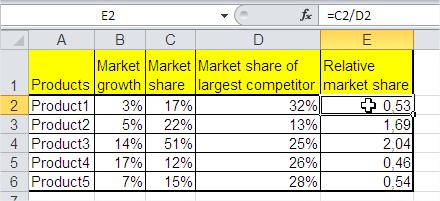
How to Make Boston BCG Matrix in Excel
In this tutorial, you will learn how to create a BCG Matrix in Excel. The BCG Matix is a chart that shows the potential of your company’s products. BCG stands for Boston Consulting Group; this company created this chart for the first time.
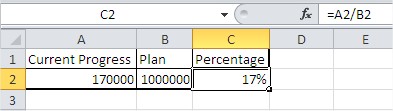
How to Make a Thermometer Chart in Excel to Track Progress Toward a Goal
In this Excel tutorial, you’ll learn how to create a thermometer-style chart to visualize goal progress using percentages. For this type of graph, you will want to present data that shows the percentage of a value (e.g., the annual plan for sales or budget usage).
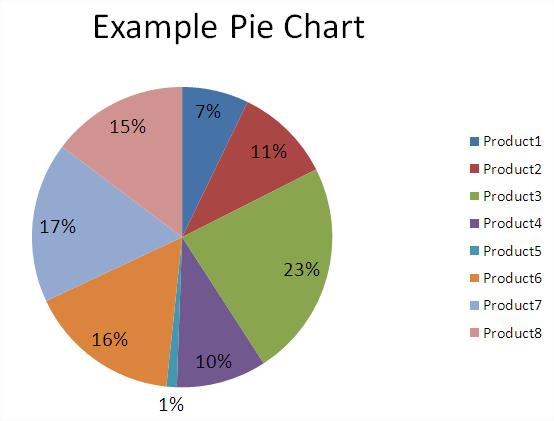
How to Highlight Every Other Row in Excel
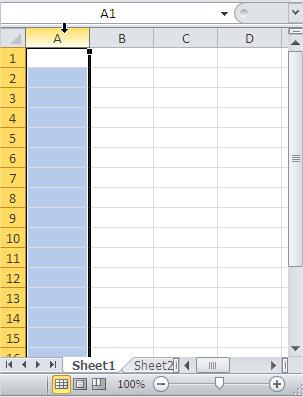
In this tutorial, you’ll learn how to highlight every other row in Excel using conditional formatting for better data readability. Excel can automatically highlight alternate rows without manual coloring, saving time on large spreadsheets.
How to Shrink a Chart to Fit on a Page in Excel
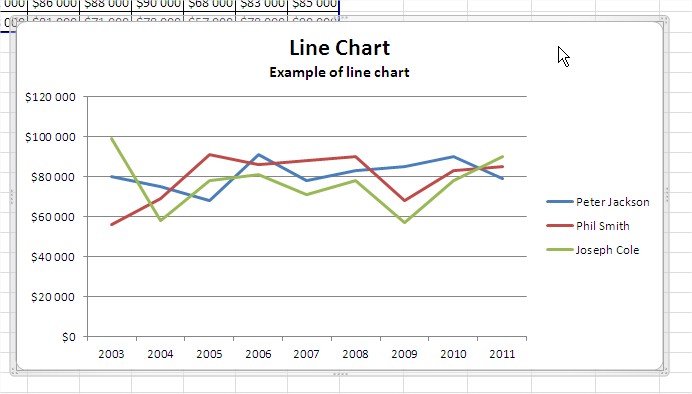
In this lesson, you will learn how to shrink your chart so that it fits on the page. When printing large Excel charts, you might encounter situations where the chart exceeds the page dimensions. While this can pose a printing challenge, Excel provides several methods to resize the chart to fit within a single page, often without significant loss of visual clarity.