
Best Excel Tutorial
Excel Skills Simplified: Tutorials That Actually Work
How to Use Vlookup to Check if Value Exists
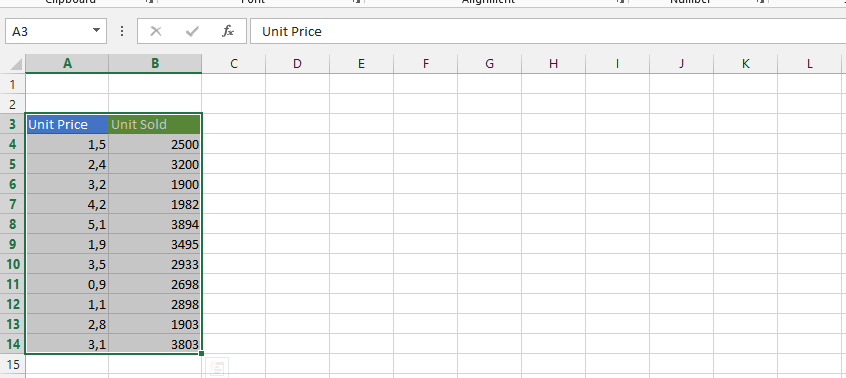
The vlookup function can easily help you determine if a value that is in one column is in another.
How to Insert Chart Title from Cell?
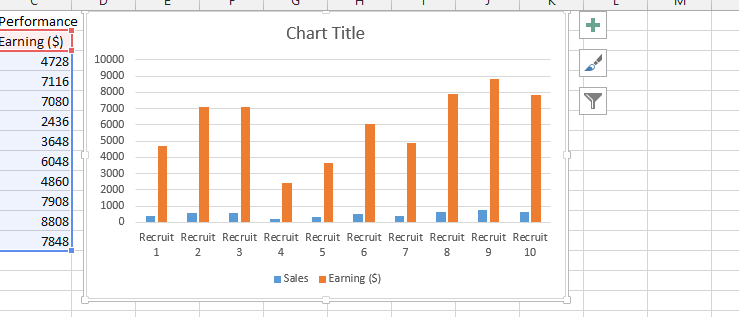
Inserting chart title from a cell in Excel can easily be done, and we are going to do it together. In this Excel tutorial you will teach yourself how to insert dynamic chart title from the cell.
How to insert and remove Watermark?
We are going to learn how to insert watermark behind the text in Microsoft Excel, and it is going to be done in a step by step format.
How to Add Bullet Points in Excel
In this Excel tutorial, you learn how to add bullet points list in Excel. We will describe a few methods.
How to Insert Page Numbers?
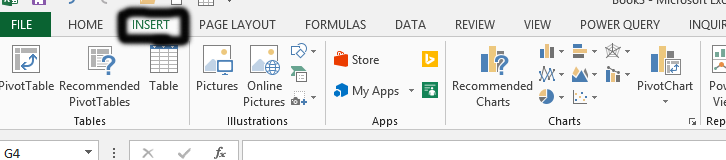
Inserting page numbers in Excel is a straightforward task. Let’s walk through the steps together to ensure you understand how to insert page numbers in Excel efficiently.
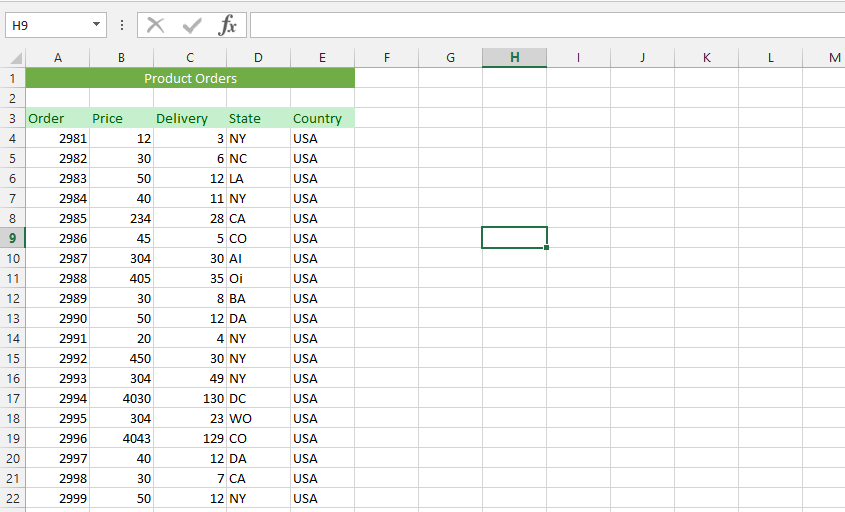
How to Get Data from another Sheet?
There are times when you need to get data from another sheet in Excel. Learning how to pull data from another sheet is a fundamental Excel skill. This comprehensive guide will show you how to retrieve data using VLOOKUP formulas, INDEX/MATCH functions, cell references, and 3D formulas. Whether you’re working with multiple sheets or workbooks, we’ll help you master pulling and referencing data from another sheet efficiently.
How to Count Unique Values in Excel
When you have a dataset with many duplicates, counting unique values in Excel can help you analyze your data effectively. We’ll explore multiple methods to count unique values together.
How to Calculate Mean in Excel
The mean, often referred to as the average, is a fundamental statistical measure that represents the sum of a set of values divided by the number of values in that set. In Microsoft Excel, you can easily calculate the mean using the AVERAGE function.
The AVERAGE function ignores blank cells and text entries within the specified range. If the range contains any error values (such as #DIV/0!), the AVERAGE function will also return an error.
