How to Calculate Median in Excel
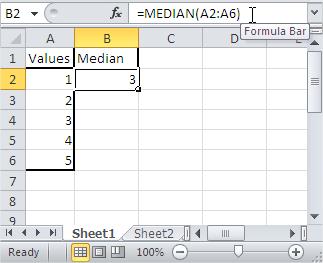
You’ll learn how to use the median function. It can be used to calculate the median of given numbers in Excel.
Excel Skills Simplified: Tutorials That Actually Work
You’ll learn how to use the median function. It can be used to calculate the median of given numbers in Excel.

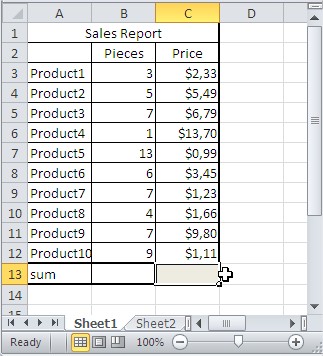
In this Excel tutorial, you can learn how to use SUMPRODUCT function in Excel.

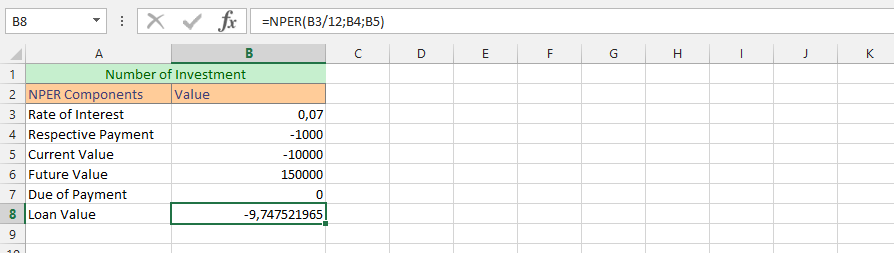
In this lesson, you can learn how to use NPER function in Excel.

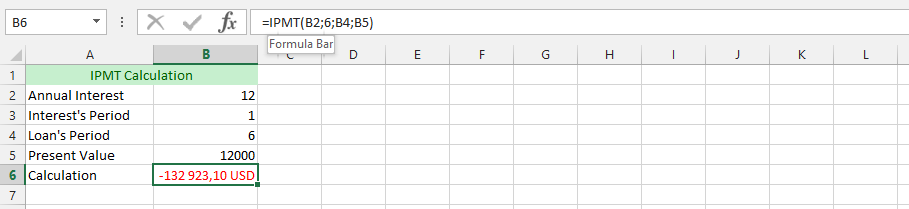
In this lesson, you’ll learn how to use the IPMT function in Excel to calculate interest payments.

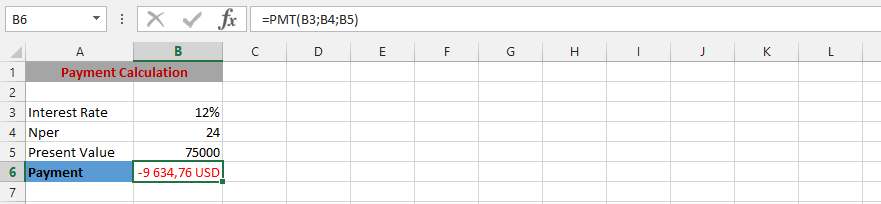
In this lesson, you can learn how to calculate loan installment using PMT function in Excel.
VLOOKUP supports wildcards for powerful partial-matching. Specifically, you can use the asterisk (*) for “any number of characters”, the question mark (?) for “exactly one character”, and the tilde (~) for wildcards literally. Consequently, this enables flexible lookups when exact keys don’t exist or vary in format.

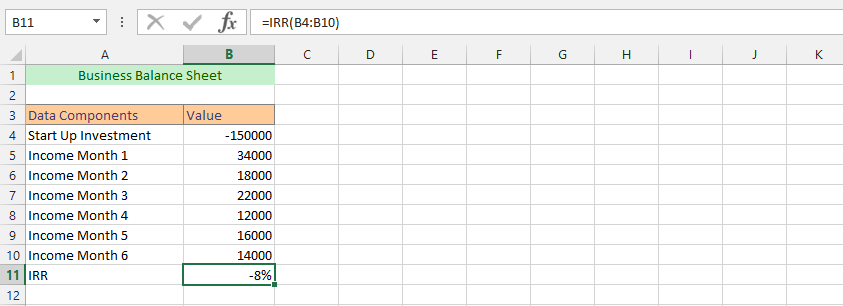
The IRR function means Internal Rate of Return, and its main objective is to provide a solid and cogent result, which means it would return with a double value that would be specific of the IRR for a series of the periodic cash flows, as they have been inserted in the Microsoft Excel program.

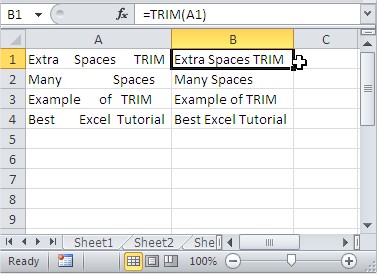
The TRIM function in Excel is handy for cleaning up text by removing any extra spaces from a string, leaving only single spaces between words. In this lesson, you will learn how to use the TRIM function.

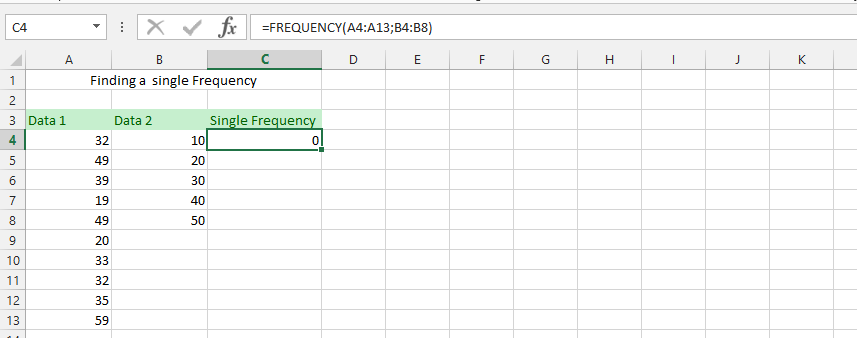
The FREQUENCY function in Excel calculates how often values occur within specified ranges. It returns a vertical array representing the frequency distribution of the data. This is useful for grouping data into categories or bins.