How to create Excel file in C#
The provided instructions and code are a basic guide to creating an Excel file in C# using the Microsoft Office Interop library.

Excel Skills Simplified: Tutorials That Actually Work
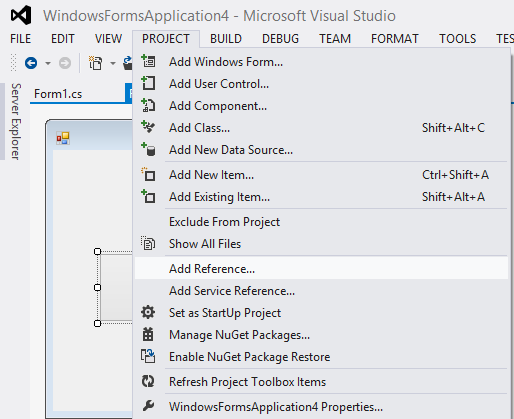
The provided instructions and code are a basic guide to creating an Excel file in C# using the Microsoft Office Interop library.
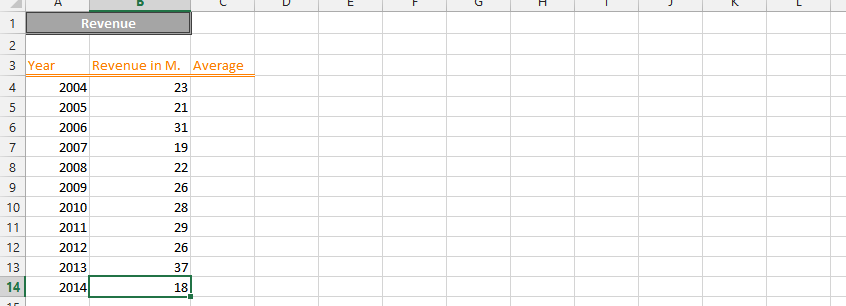
To demonstrate how to create a bridge chart, we are going to use dummy data. The bridge chart will show the individual components of the profit and loss. Complete the process to create a professional bridge chart by following these step-by-step instructions.
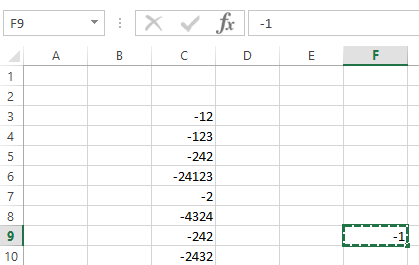
The steps below shows how to convert a negative number to a positive number.
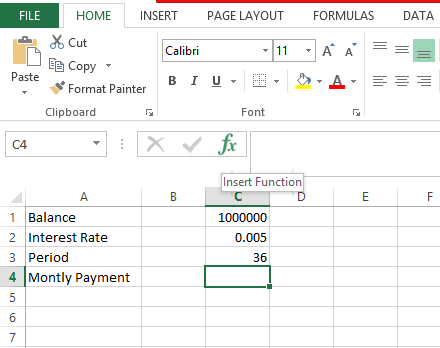
Excel is the spreadsheet application component of the Microsoft Office. Using Microsoft Excel, you can calculate a monthly payment for any type of loan, mortgage or credit card.
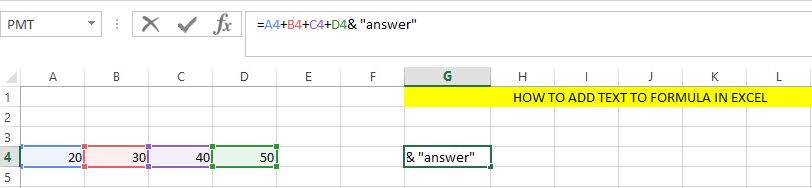
When working with data in Excel, you may often need to combine text and numbers in a single cell. This can be done using the ampersand (&) or the TEXT() function.
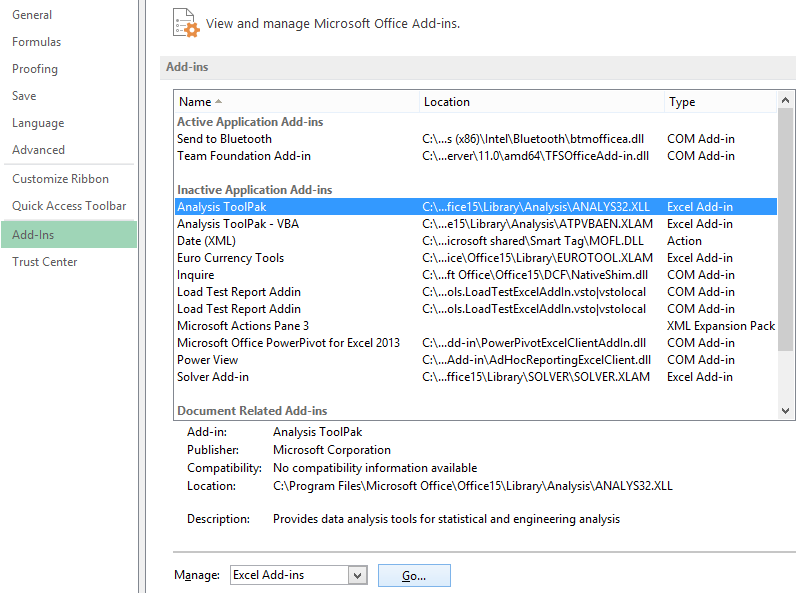
Excel contains a data analysis add-in that allows to to perform a Fourier analysis of a series of numbers. Follow these detailed steps below to execute Fourier analysis in Excel successfully.
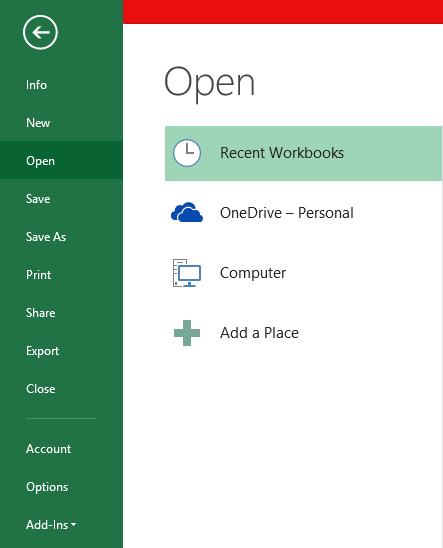
Below are the steps to open a VCF file in Excel.
The Stochastic Indicator is a technical analysis tool used to identify overbought and oversold conditions in the market. It calculates the position of the current price relative to the high and low price over a specified number of periods.
In this Excel tutorial, you learn how to calculate stochastic oscillator in Excel.
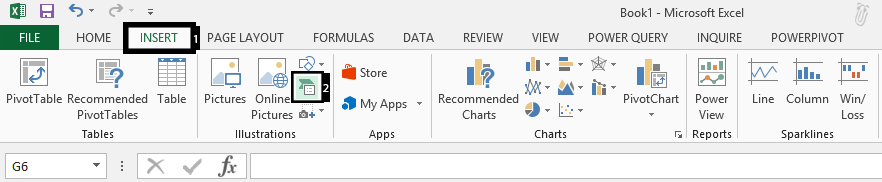
SmartArt in Excel is a powerful visualization tool that helps you create diagrams, flowcharts, and organizational charts. It’s useful for representing processes, hierarchies, and relationships in a professional, step-by-step format.
3D clustered column charts are a great way to visualize data in Excel. They are easy to create and can be used to compare multiple data series. In this charting tutorial, we will learn how to create a 3D clustered column chart in Excel.